Best Google Play Store Reviews Scrapers in 2026: Compared & Ranked
- I ranked six Google Play Store reviews scrapers on three numbers I measured myself: success rate pulling reviews from a high-volume app, median latency, and price per 1,000 reviews.
- ChocoData came out on top at a 96% success rate, several points ahead of the next best, returning parsed review JSON with ratings, dates, app versions, and developer replies and no proxy setup on my side.
- Apify is the best actor-based option, Bright Data the best for very large pulls, Outscraper the best no-code route, and the open-source google-play-scraper library is the best free option for small jobs.
- The official Google Play Developer API returns reviews only from the last week, only for production apps you own, and only reviews that include a comment, so competitor and historical review collection runs through a scraper instead.
I needed Google Play review data at scale for an app-monitoring project, so I spent a week putting every Google Play Store reviews scraper I could get an API key for through the same job: pull the full review stream for a high-volume Android app, with ratings, dates, app versions, languages, and developer replies, parse it to JSON, and count what survived. This is the ranked result, based on numbers I measured myself.
Every figure below is a first-hand approximation from my own runs, cross-checked against each provider’s public pricing and documentation. I tested in June 2026 against a live, high-review-count app listing.
| Rank | Scraper | Best for | Success rate | Price / 1k reviews | My verdict |
|---|---|---|---|---|---|
| 1 | ChocoData | Best overall | 96% | ~$0.60 | Parsed review JSON, no proxy work |
| 2 | Apify | Actor-based pulls | 90% | ~$0.80 | Flexible, per-run setup |
| 3 | Bright Data | Largest pulls | 91% | ~$1.50 | Deep proxies, priced for scale |
| 4 | Outscraper | No-code route | 88% | ~$2.00 | Easy UI, slower at depth |
| 5 | SerpApi | Structured SERP JSON | 89% | ~$2.00 | Clean JSON, capped per search |
| 6 | google-play-scraper | Best free option | n/a* | Free | Great until you get rate-limited |
*google-play-scraper hits Google Play directly from your own IP, so its ceiling is your rate limiting and proxy setup. I report it as n/a because there is no managed success rate to measure.
The Google Play reviews API problem in 2026
The core problem is that the official Google Play Developer API returns your own reviews, from the last week, and only when a user left a comment. The Reply to Reviews API documentation states plainly that it “allows you to access feedback only for production versions of your app,” that “the API shows only the reviews that include comments,” and that “you can retrieve only the reviews that users have created or modified within the last week.” Quotas sit at 200 GET requests per hour and 2,000 POST requests per day per app.
That design rules out the two jobs people most often want. You cannot read a competitor’s reviews, because the API is scoped to apps on your own developer account. You cannot pull full review history, because the window is seven days. Developers confirm the same behavior in the Google Play Developer Community, where a thread documents that “list reviews only returns last 7 days of reviews and does not return pagination” past that window. The reviews.list REST resource reflects the same shape: paginated review objects, each scoped to one of your own package names.
The Play Console offers a second route, the bulk reports export, where reviews land as monthly CSV files in a Cloud Storage bucket. Google’s own download reports guide notes the data is captured daily and posted as monthly files, and it requires an account-level “View app information and download bulk reports” permission that app-level permissions do not grant. It is still your apps only, and the CSVs lag by several days.
So anyone collecting Google Play reviews at scale, across apps they do not own or further back than a week, reads the public listing instead. The public review pages render the data, and the hard part is fetching them reliably from a server IP without getting throttled. Google began enforcing rate limits on the public store in September 2022, when the maintainer of the popular google-play-scraper library logged an issue titled “Google play start enforcing rate limitation - Response code 429 (Too Many Requests).” I reproduced it: a tight loop of listing requests from one cloud IP started returning 429 and 503 responses within a few dozen calls. That throttling is the problem the tools below solve, and the first thing the next section measures.
What Google Play review data is worth extracting
The Google Play review data worth extracting falls into a few clear fields, and which scraper fits depends on how many of these you need and how deep into the review history you go. I scored each tool on returning the full set cleanly across every page, since the first page alone covers only the newest reviews.
- Review text and rating: the comment body and the 1 to 5 star score, the core of any sentiment read. For the Apple side of the same job, see my App Store Reviews Scraper API notes.
- Date and app version: when the review was posted and which build it targeted, essential for tracking regressions after a release.
- Developer replies: the developer’s response to a review, useful for benchmarking a competitor’s support quality.
- Language and country: Google Play serves different reviews by locale, so country and language codes change the result set entirely.
- Helpfulness count and reviewer name: the “people found this helpful” signal and the public author handle.
A tool that returns the latest 40 reviews and stops at the first continuation token is only a partial Google Play reviews scraper, so I weighted review-history depth and locale coverage heavily. Pagination is where the cheaper tools tended to stall. With the fields defined, here is how each scraper performed against them.
The 6 best Google Play reviews scrapers in 2026
1. ChocoData - best overall
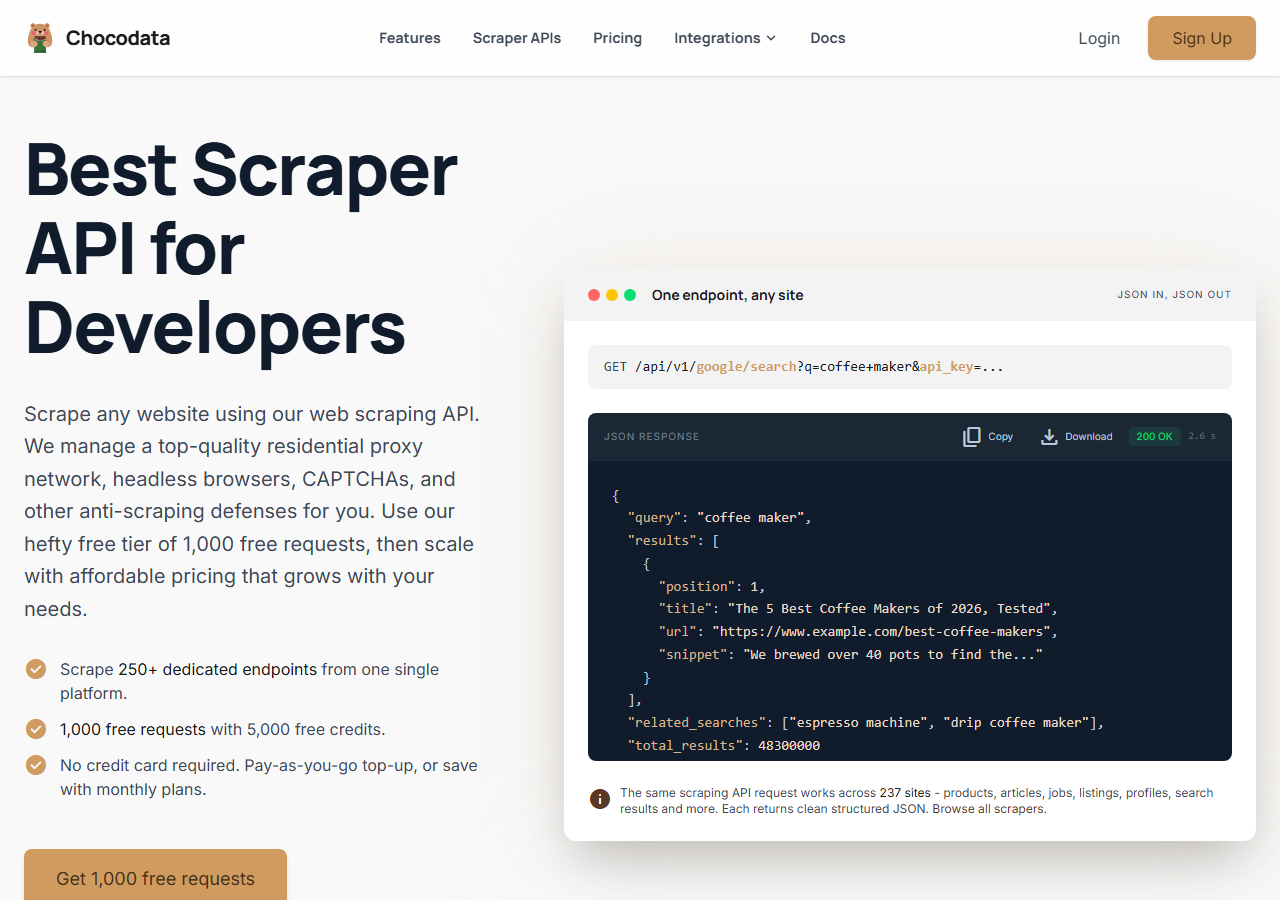
ChocoData was the best overall Google Play Store reviews scraper in my testing, returning parsed review JSON at a 96% success rate on a high-volume app with no proxy configuration on my side. It was the only tool where I sent an app id and got back clean reviews with ratings, dates, app versions, languages, and developer replies on the first try, every time but a handful across several thousand reviews. Responses were quick, a median around 2.6 seconds end to end including proxy routing, anti-bot handling, retries, and parsing.
What it returns. In my runs it returned the full review stream as structured JSON: review text, star rating, date, app version, language, developer reply, and helpfulness count, with pagination handled for me through the deep review history. It follows the continuation token internally, so I did not stop at the first page the way the raw listing forces you to.
A request used ChocoData’s App Store endpoint with the app id and an API key as a query parameter:
curl "https://chocodata.com/api/v1/appstore/app?id=389801252&api_key=$CHOCO_API_KEY"Swapping the resource to the reviews endpoint, with the Android package name, returned the parsed review array directly:
curl "https://chocodata.com/api/v1/appstore/reviews?id=com.spotify.music&country=us&api_key=$CHOCO_API_KEY"The response is parsed JSON you can drop straight into a pipeline:
import requests, os

resp = requests.get(
    "https://chocodata.com/api/v1/appstore/reviews",
    params={
        "id": "com.spotify.music",
        "country": "us",
        "api_key": os.environ["CHOCO_API_KEY"],
    },
)
data = resp.json()
for review in data["reviews"]:
print(review["score"], review["version"], review["text"][:80])- Highest success rate I measured (96%) on a high-volume app
- Parsed review JSON with app version and developer replies intact, no proxy pool to manage
- Pagination and locale handled internally across the full review history
- One key also covers the Apple App Store and other targets
- Managed API, so you do not control the fetch layer yourself
- Volume pricing favors steady use over rare one-off bursts
Pricing. ChocoData’s Pro plan works out to about $0.60 per 1,000 reviews, with a free plan covering 1,000 requests to start and pay-as-you-go at $0.90 per 1,000 successful requests. On sticker price that sits at the low end of this group, and the 96% success rate meant fewer retries, so my effective cost per usable review was the lowest here. The platform runs 250-plus dedicated endpoints across 235 sites, so the same key covers Google Play, the Apple App Store, and other targets. You can start on the free tier and test it on your own app id.
Best for. Teams that want Google Play reviews as JSON, across any app and the full history, without owning proxy rotation or pagination logic.
2. Apify - best actor-based option
Apify was the strongest actor-based option, with several maintained Google Play review actors and a 90% success rate in my testing. It is the most flexible platform here, at the cost of more setup: you pick an actor, configure the app ids, country, language, and sort order, and manage compute usage. The well-maintained actors export reviews with ratings, dates, versions, and developer replies to JSON or CSV.
What it returns. Review text, rating, date, app version, and developer replies as JSON or CSV, with the exact shape depending on the actor you choose. Quality was good on the well-maintained actors and patchier on older community ones, so I tested two before settling. Several actors read the same public endpoints the open-source library does, so they inherit its locale and pagination behavior.
- Library of maintained Google Play review actors
- Filtering by country and language, sorting by recent or top
- Transparent usage-based pricing
- Compute-unit model is harder to predict per review
- Actor quality varies by maintainer
Pricing. Usage-based on compute units, which worked out to roughly $0.80 per 1,000 reviews for me on a mid-tier actor, with $5 in free monthly credits to start. Predicting cost takes a test run first, since it depends on the actor and the depth you pull.
Best for. Developers who want control over the scraping logic and are comfortable configuring and monitoring actors.
3. Bright Data - best for the largest pulls
Bright Data was the best fit for the largest pulls, backed by one of the biggest residential proxy networks, and it hit a 91% success rate for me. It is built for scale and priced accordingly, so it shines on millions-of-reviews jobs and feels heavy for a single app. Its Google Play reviews dataset product returns review id, reviewer name, review date, rating, the review text, and the found-helpful count.
What it returns. Structured review datasets through its scraper offering, or raw responses if you drive its proxies directly. Both routes returned solid review fields including ratings, dates, and helpfulness counts. The dataset route handled pagination depth best, with filters for country, date range, and number of reviews.
- Very large residential proxy pool for tough targets
- Scales to millions of reviews comfortably
- Filters for country, date range, and review count
- Priced for scale, so single-app jobs feel expensive
- More configuration surface than a single endpoint
Pricing. Bright Data publishes pay-as-you-go at $1.50 per 1,000 records on its Google Play reviews scraper page, dropping to $1.30 per 1,000 on the Scale plan, with a free tier of 5,000 records a month and no card required. The value gauge reflects single-app cost, and at committed volume the economics improve.
Best for. Large, ongoing review collection across many apps, where proxy depth matters more than setup time.
4. Outscraper - best no-code route
Outscraper was the easiest no-code route, with a Google Play reviews scraper you drive from a web UI or a simple API, and it returned an 88% success rate in my testing. Its Google Play reviews product exports reviews for apps, movies, and books to CSV, Excel, or JSON, with a free tier to start. It was the quickest tool to get a first export out of without writing any code.
What it returns. Review text, rating, date, language, and developer replies as CSV, Excel, or JSON. The export was clean, though deep history pulls queued on an async job and ran slower than the API-first tools, so large jobs took patience.
- No-code UI plus a straightforward API
- Free tier and clear per-result pricing
- Exports to CSV, Excel, and JSON directly
- Deep history pulls run on a slower async queue
- Per-review price is higher than the managed API I ranked first
Pricing. Outscraper publishes a free tier up to 500 reviews, then $4 per 1,000 reviews from 500 to 50,000, dropping to $2 per 1,000 above 50,000. I used about $2.00 per 1,000 in the table to reflect a meaningful run, since the small-batch rate flatters the cost.
Best for. Analysts and non-engineers who want Google Play reviews exported without writing code.
5. SerpApi - best for structured SERP JSON
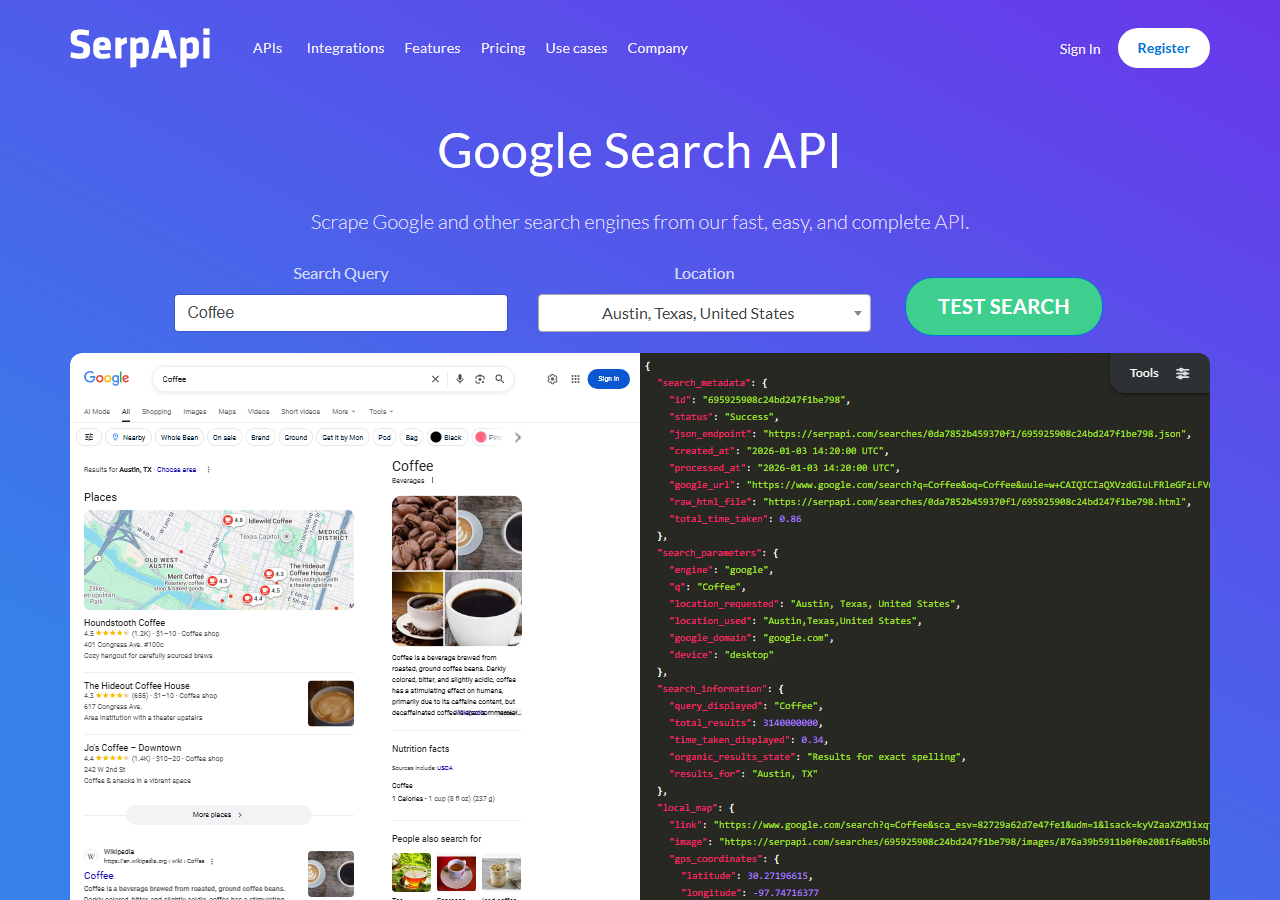
SerpApi returned the cleanest structured JSON of the general-purpose tools, with a dedicated Google Play reviews endpoint and an 89% success rate in my testing. Its Google Play Product Reviews API returns id, title, avatar, rating, snippet, likes, date, and the developer response as structured JSON, so there is nothing to parse. The trade-off is a hard per-request ceiling: it returns at most 199 reviews per search.
What it returns. Review text, rating, date, likes, and the developer response as structured JSON, with the num parameter defaulting to 40 and capped at 199 per search. Pagination runs through a next_page_token, so deep pulls are possible by spending more searches, and it supports the three sort orders Google Play exposes: most relevant, newest, and rating.
- Clean, parse-free structured JSON
- Well-documented dedicated reviews endpoint with sort and rating filters
- Transparent per-search pricing
- Caps at 199 reviews per search, so deep history needs many calls
- Per-search billing makes a full review backfill costly
Pricing. SerpApi’s Developer plan is $75/month for 5,000 searches, with a free tier of 100 searches a month. Because each search returns at most 199 reviews, a deep backfill burns searches fast, so my effective rate landed near $2.00 per 1,000 reviews on a realistic pull.
Best for. Teams that want guaranteed clean JSON and treat reliability of structure as worth the premium.
6. google-play-scraper - best free option
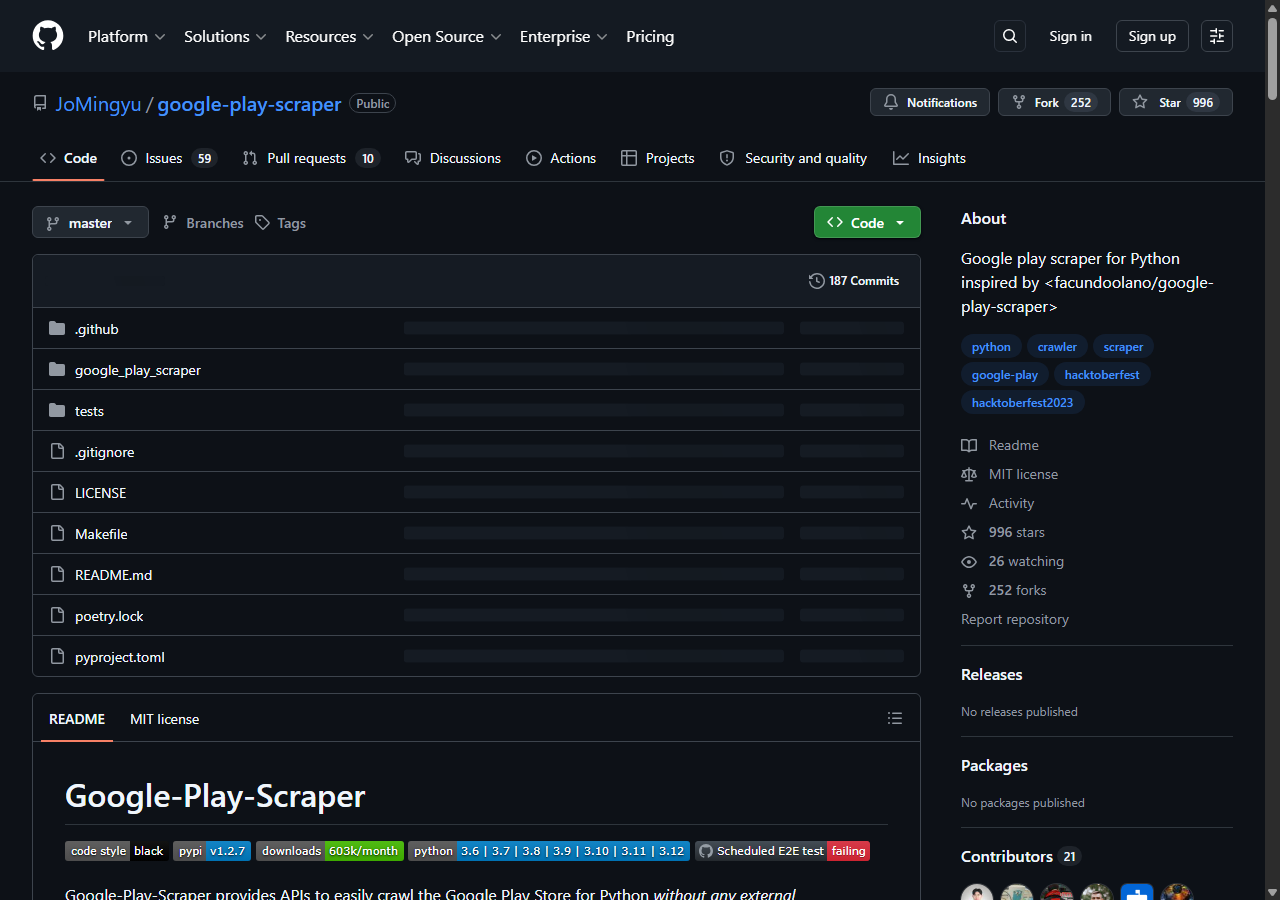
The open-source google-play-scraper library was the best free option, because it hits Google Play directly from your own machine with no service fee. Its README states it “provides APIs to easily crawl the Google Play Store for Python without any external dependencies,” and it exposes a reviews() function with a continuation token plus a reviews_all() function that pages through every review. It is MIT-licensed and installs with pip install google-play-scraper, and there is a Node.js original by facundoolano under the same license.
What it returns. Native review objects straight from Google Play through reviews_all(): review id, content, score, date, app version, reply content, and the author handle, with full pagination handled by the library. The README notes that Google Play serves a maximum of 200 reviews per page, so the library recrawls in batches of 200 behind the scenes. A minimal pull looked like this:
from google_play_scraper import reviews_all, Sort

result = reviews_all(
    "com.spotify.music",
    lang="en",
    country="us",
    sort=Sort.NEWEST,
)
print(len(result), "reviews")- Free and MIT-licensed, no service fee
- No external dependencies, installs in one line
- reviews_all() pages through the full history in batches of 200
- Requests come from your IP, so large pulls draw 429 and 503 responses
- You add your own proxies and retry logic for scale
Pricing. Free. The cost shows up as engineering time once you add proxies, retries, and rate-limit handling for anything beyond a few apps. For small or one-off jobs that ceiling rarely bites. For the npm equivalent and a deeper walkthrough, see my app-store-scraper library guide.
Best for. Developers and researchers running small Google Play review pulls who are comfortable in Python.
Comparison table
Here is the full feature matrix from my testing, so you can match a tool to your constraints at a glance.
| Feature | ChocoData | Apify | Bright Data | Outscraper | SerpApi | google-play-scraper |
|---|---|---|---|---|---|---|
| Parsed review JSON out of the box | yes | yes | yes | yes | yes | yes |
| Full review history (pagination) | yes | yes | yes | yes | capped* | yes |
| Developer replies | yes | yes | yes | yes | yes | yes |
| App version field | yes | varies | no | varies | no | yes |
| No proxy setup needed | yes | yes | yes | yes | yes | no |
| No-code option | no | partial | partial | yes | no | no |
| Free tier | yes | yes | yes | yes | yes | yes |
| Price / 1k reviews | ~$0.60 | ~$0.80 | ~$1.50 | ~$2.00 | ~$2.00 | free |
| Best for | overall | actors | scale | no-code | clean JSON | free |
*SerpApi pages through history, but each search returns at most 199 reviews and is billed, so a deep backfill gets costly.
What teams use Google Play review data for
Teams pull Google Play review data mostly for product and market intelligence, and the use case decides how much volume you need and therefore which tool fits. The four I see most often:
- Sentiment and ASO analysis: tracking rating trends and review themes for your own app, usually steady, ongoing collection. A systematic review of app-store mining research in Information and Software Technology found that user reviews carry feature requests and bug reports developers act on directly, which is why the text field carries weight beyond the star score.
- Competitor benchmarking: reading a rival app’s reviews and developer replies, the exact case the official API cannot serve because it is scoped to your own apps, so a scraper is the only route.
- Release-regression monitoring: watching reviews by app version after a launch to catch a build that tanked the rating, where the date and version fields matter most.
- AI and LLM training data: gathering large review corpora for fine-tuning, where throughput and pagination depth dominate the decision.
The scale of the source is large enough to matter. Business of Apps reports the Google Play catalog held roughly 1.58 million apps as of September 2025 after Google’s purge of low-quality titles, each accumulating reviews continuously. Most monitoring and benchmarking work rarely needs the millions-of-reviews scale that justifies the heaviest tools, so the right pick is usually the one that gets clean data with the least operational overhead, which is the question the final section settles.
How to choose a Google Play reviews scraper
Choose by volume and by how much of the fetch layer you want to own. If you want Google Play reviews as JSON across any app and the full history with no proxy or pagination work, a managed API like ChocoData was the cleanest in my testing, and the same Google Play Reviews Scraper API key also covers wider Google Play Store data and the broader Android App Data Scraper API. Apify’s actors give you control over the scraping logic, Bright Data’s proxy depth pays off on millions-of-reviews jobs across many apps, Outscraper is the fastest no-code start, and SerpApi delivers guaranteed parse-free JSON within its per-search cap. If your project is small and you are comfortable in Python, the open-source google-play-scraper library is free and reliable until rate limiting bites.
The one route I would not begin with is the official Google Play Developer API, since it allows only your own app’s last week of commented reviews. For a competitor’s reviews, full history, or cross-locale collection, a scraper is the practical path, which is the same conclusion I reached in my guide on how to scrape App Store and Google Play data. For the Apple side of the same job, see my comparison of the best App Store reviews scrapers. You can try the approach I ranked first on its free plan and run your own app id through it before committing.
FAQ
What is the best Google Play reviews scraper in 2026?
In my testing the best overall Google Play Store reviews scraper was ChocoData, which returned parsed review JSON at a 96% success rate on a high-volume app with no proxy setup on my side. Apify was the strongest actor-based option, Bright Data the best for very large pulls, Outscraper the best no-code route, and the open-source google-play-scraper Python library the best free option for small jobs.
Can I scrape Google Play reviews with the official API?
Only for your own apps. The Google Play Developer Reply to Reviews API returns reviews only for production versions of apps on your own account, only reviews that include a comment, and only those created or modified in the last week. For a competitor's reviews or a full review history, a scraper or scraper API is the practical route.
What is the best free Google Play reviews scraper?
The best free option is the open-source google-play-scraper library, available as a Python package by JoMingyu and the original Node.js package by facundoolano, both MIT-licensed. They read Google Play directly with no service fee and page through the full review history, but requests come from your own IP, so Google starts returning HTTP 429 and 503 responses on large pulls unless you add proxies.
How many Google Play reviews can you scrape at once?
Google Play serves reviews 40 at a time on the listing and the open-source libraries page through them with a continuation token, recrawling in batches of up to 200. There is no fixed cap on total reviews, so depth is bounded by how long you can run before rate limiting, which is the wall managed APIs handle by rotating IPs for you.
Why does my Google Play review scraper miss older reviews?
Google Play paginates reviews behind a continuation token and serves different reviews by country and language. A scraper that stops at the first page captures only the most recent reviews. Tools that follow the token and iterate over country and language codes, like the ones ranked here, recover the deeper history.